From Spreadsheets to a Race Dashboard: How to Organize Your Entire Season
Most athletes manage their race season across five different tools. Here's why that's quietly costing you, and what to do instead.
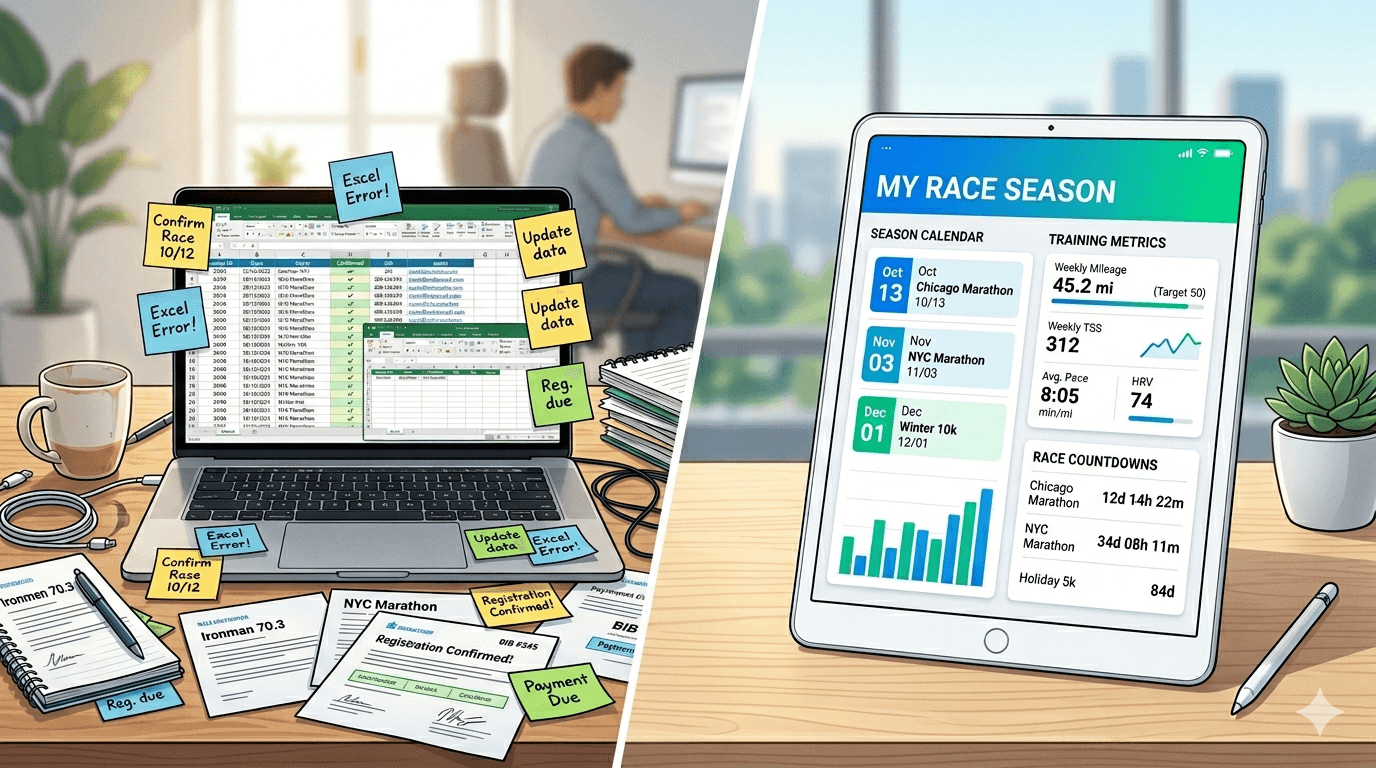
If you compete regularly, you probably have a spreadsheet somewhere. Maybe a few. One for your race calendar. One for results. One for packing lists. A folder of hotel confirmations buried in your inbox. A notes file with half-remembered race details from two seasons ago.
This setup works, until it doesn't. The problem isn't any single tool. It's the friction between all of them.
What managing a race weekend actually involves
Let's count the steps:
- Register on the race website
- Add the date to your calendar app
- Book flights, save the confirmation somewhere
- Book a hotel, another confirmation, maybe a different app
- Build a packing list in Notes, or yet another spreadsheet tab
- Set a reminder for race pack pickup, back to the calendar
- Log your result after the race, or more likely, don't
That's five different tools for one race. Multiply that by eight events a season, and you've built yourself a part-time job just managing logistics.
What changes when you switch to a race management dashboard
A dedicated race dashboard isn't just a new place to store the same stuff. It changes what you actually bother to write down.
When everything lives in one place:
- You actually log your results, because it's one tap away from your race list, not buried in a spreadsheet you forgot existed.
- You actually look back at last year before training for the same race again.
- You start noticing patterns. Which races you're strongest at, which travel setups work, which gear choices you regret every single time.
The spreadsheet athlete remembers their last marathon time, maybe. The dashboard athlete knows their last five marathon times, the conditions, the pacing, and exactly what they'd change.
How to bring your races over
Moving away from spreadsheets doesn't mean starting from scratch. TripToRace lets you import your race calendar from a CSV, so your upcoming events show up without retyping every single one by hand.
Here's the simple version:
- Export your race list (dates, names, locations) as a CSV.
- Import it into TripToRace. Your season shows up in minutes.
- For new races going forward, add the event the moment you register. Attach travel and a packing list right away.
- After each race, log the result in the same spot. Your results history starts building from here, even if your older results stay back in the spreadsheet for reference.
What to actually look for in a race tool
Not every race app works the same way. Before you commit to one, make sure it covers:
- A calendar view of your whole season at a glance
- Flights and hotels linked directly to each event
- Packing lists you can reuse race after race
- Results logging with PR tracking built in
- CSV import for your race calendar, so you're not retyping every event by hand
I built TripToRace to cover all of this. It started as a personal project, because I'm an orienteering athlete who'd managed one too many race seasons across way too many tabs.
The real shift: from data storage to race thinking
The biggest win here isn't really efficiency. It's that you start treating your race season as one connected thing, not a pile of separate events. You make better calls about which races to enter, how to plan training around travel, and how to actually improve season over season.
A spreadsheet stores your data. A dashboard helps you think.